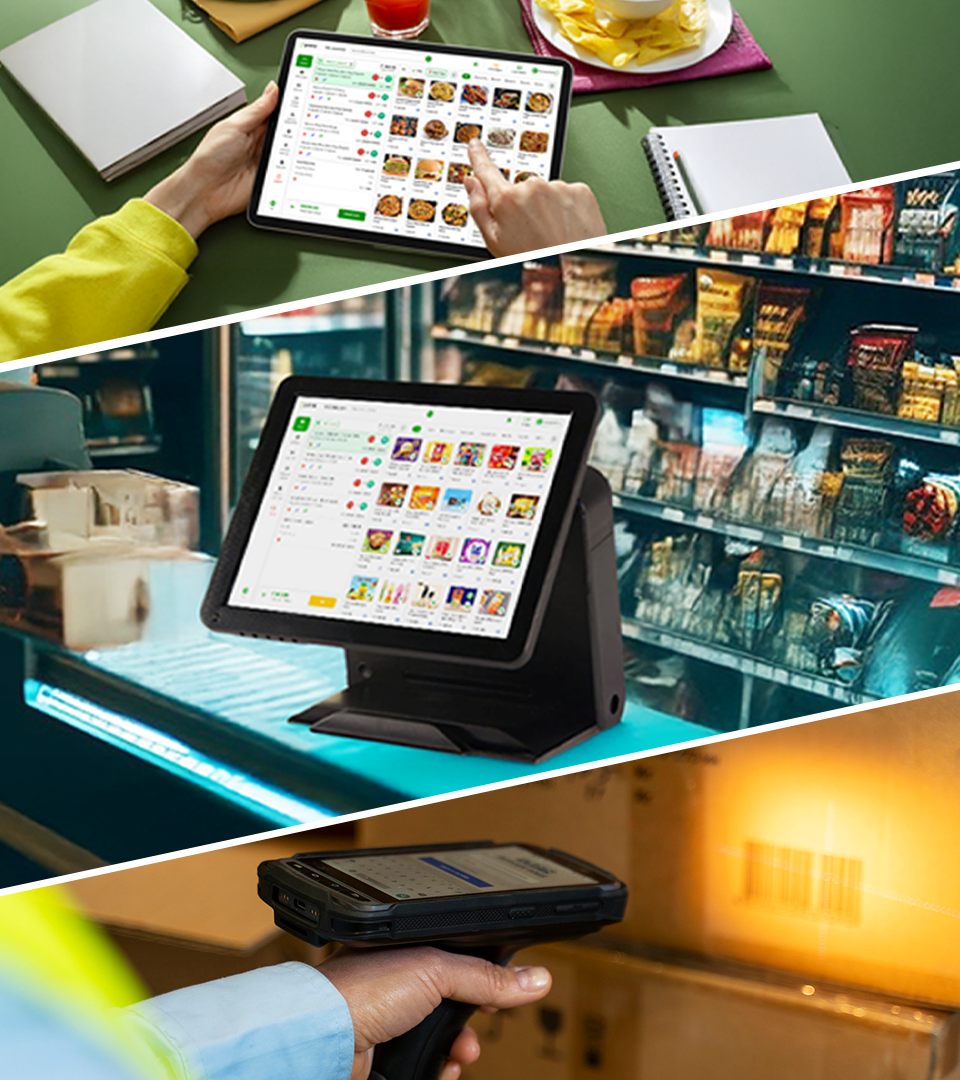
How to Choose the Best POS Billing Software: A Simple Guide
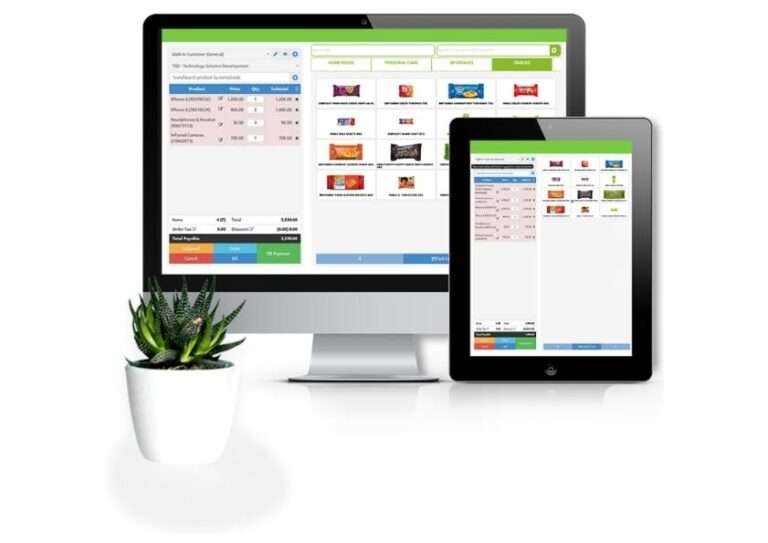
Choosing the best POS billing software can make billing, inventory management, payments, and daily retail operations much easier. But with so many options available, how do you know which POS system is right for your business?
The best POS software isn’t necessarily the cheapest or the one with the most features. It should match your business needs, be easy for your staff to use, and support your business as it grows.
What Is POS Billing Software?
POS billing software helps businesses create bills, process sales, manage inventory, track payments, and generate business reports from one system.
Modern POS systems can also offer barcode billing, customer management, employee permissions, multi-store management, and payment integrations.
Why Choosing the Best POS Billing Software Matters
A POS system becomes part of your daily business operations. Your employees may use it for every transaction, while you may depend on its reports to understand sales and inventory.
Choosing the wrong software can lead to unnecessary costs, complicated processes, inaccurate stock records, and poor user adoption.
The right POS billing software should help you:
- Bill customers quickly
- Reduce manual errors
- Keep inventory updated
- Track sales accurately
- Accept convenient payment methods
- Generate useful business reports
- Save employees’ time
- Make better business decisions
- Support future business growth
The goal is not to find software with the most features. The goal is to find software that solves your business problems without making everyday operations complicated.
How to Choose the Best POS Billing Software
1. Understand Your Business Needs
Start by identifying what your business actually needs. Consider your store size, number of products, daily transactions, employees, inventory requirements, and future growth plans.
2. Check Billing and Inventory Features
Look for fast billing, barcode scanning, real-time stock tracking, low-stock alerts, product management, returns, and sales tracking. These features can reduce manual work and billing errors.
3. Compare Payment Options
Make sure the POS supports the payment methods your customers use, such as cash, cards, mobile payments, and other relevant digital payment options.
4. Look at Pricing
Don’t compare only the monthly subscription. Check hardware costs, setup fees, additional users, integrations, support, and other possible charges.
Choose software that provides good value for your business rather than simply choosing the lowest price.
5. Make Sure It Is Easy to Use
Your employees should be able to learn the system quickly. Test common tasks such as creating bills, applying discounts, processing returns, checking stock, and generating reports.
6. Check Reports and Business Insights
A good POS system should help you understand your business through sales, inventory, product, payment, and performance reports.
7. Consider Integrations and Scalability
If you plan to grow, check whether the software supports multiple stores, additional users, accounting tools, e-commerce platforms, payment systems, and other integrations you may need.
8. Check Support and Security
Ask how your data is protected, backed up, and recovered. Also check whether the provider offers reliable customer support and training when needed.
Key Features to Look for in Best POS Billing Software
While requirements differ from business to business, a modern POS billing system may include:
| Feature | Why It Matters |
|---|---|
| Fast billing | Helps reduce checkout time |
| Inventory management | Keeps track of available stock |
| Barcode scanning | Speeds up product entry |
| Multiple payment options | Gives customers more ways to pay |
| Sales reports | Helps monitor business performance |
| Customer management | Helps maintain customer information |
| User permissions | Controls employee access |
| Multi-store management | Helps manage multiple branches |
| Cloud access | Enables access to business data from supported locations |
| Data backup | Helps protect important business information |
| Integrations | Connects POS with other business tools |
| Customer support | Provides assistance when problems occur |
Common Mistakes to Avoid When Choosing POS Software
Choosing Only Based on Price
A low-cost system may look attractive initially, but missing features, poor support, or additional charges can make it expensive in the long run.
Buying Too Many Features
More features do not necessarily mean better software.
Choose the features your business will actually use.
Ignoring Employee Experience
If your employees find the software difficult to use, adoption can become a problem.
Always test the system from the employee’s perspective.
Not Checking Payment Integrations
Make sure the POS supports the payment methods your customers actually use.
Forgetting About Future Growth
A system that works for one small store may not be suitable when you open additional branches.
Skipping the Demo
A product demo can reveal usability problems that are not obvious from a website.
Always request a demo or free trial before making your final decision. or sales brochure.
Frequently Asked Questions(FAQs) about How to Choose Best POS Billing Software
What is the most important feature of POS billing software?
The most important feature depends on the business. For many retail businesses, fast billing, inventory management, payment processing, and sales reporting are among the most important capabilities.
How much does POS billing software cost?
POS pricing varies depending on the provider, features, number of users, hardware, integrations, and number of locations. Always compare the total cost rather than looking only at the monthly subscription.
Is cloud-based POS software better?
Cloud-based POS software can provide advantages such as centralized access, data synchronization, and remote business visibility. However, businesses should also check internet requirements, offline functionality, security, and backup policies.
Can POS software manage inventory?
Many modern POS systems include inventory management. Depending on the software, they can track stock levels, product movements, purchases, stock adjustments, and low-stock items.
How do I know which POS software is right for my business?
Start with your business requirements and shortlist systems that match them. Then compare features, pricing, integrations, usability, support, security, and scalability. A product demo or trial is one of the best ways to evaluate whether a POS system fits your workflow.